Key Points:
Grow a Garden is a Roblox farming simulator in which players plant seeds, harvest crops, and earn Shekels. It offers a fun and accessible experience for beginners. Research suggests starting with carrot seeds from Sam’s Shop, progressing to multi-harvest crops like strawberries, and leveraging weather for mutations to maximize profits. The evidence leans toward organizing your garden layout and completing daily quests to enhance efficiency and rewards. Be cautious when spending Sheckles early; focus on affordable seeds before investing in gear or pets to ensure steady progress.
Why Grow a Garden?
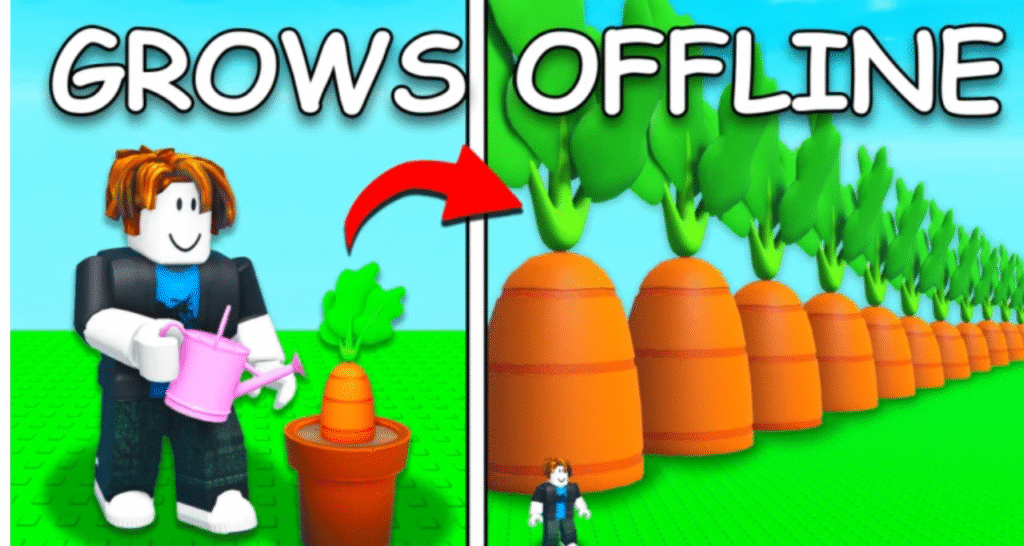
Grow a Garden stands out among Roblox’s vast library of games for its blend of strategy, creativity, and community. You’ll plant seeds, nurture crops, and sell them for Sheckles, the in-game currency, to expand your farm. The game’s offline growth feature means your garden thrives even when you’re away, perfect for busy players. Plus, with weather effects, mutations, and daily quests, there’s always something new to discover. Ready to start your farming journey? Let’s explore the basics.
Getting Started
To begin, head to the official Grow a Garden page on Roblox (Grow a Garden) and join a server. You’ll spawn in front of your garden—a 3×2 grid of fertile soil plots—equipped with 20 Sheckles. Nearby, you’ll find Sam’s Shop for seeds, Steven’s Stand for selling crops, and Gear and Egg Shops for advanced tools and pets. The interface is user-friendly, with clear prompts to guide you.
A standout feature of Grow a Garden is its offline growth mechanic. Plant your seeds, log off, and return to find your crops ready to harvest. This makes the game accessible for players with limited time, ensuring steady progress without constant attention.
Buying Seeds from Sam’s Shop
Your first task is to buy seeds. Visit Sam’s Shop, the seed vendor, to browse available options. With your initial 20 Sheckles, carrot seeds are the best choice, costing 5–25 Sheckles and growing almost instantly. Carrots are single-harvest crops, yielding 10 Sheckles each when sold, perfect for quick cash.
Sam’s Shop restocks every 5 minutes, often with new or higher-value seeds like strawberries or blueberries. If you don’t see what you want, wait for the restock or check back later. As you earn more Sheckles, aim for multi-harvest seeds to boost efficiency.
Table: Common Beginner Crops in Grow a Garden
| Crop | Value (Sheckles) | Multi-Harvest | Growth Time | Sheckle Price |
|---|---|---|---|---|
| Carrot | 10 | No | Very Short | 5–25 |
| Strawberry | 50 | Yes | Short | 1–6 |
| Blueberry | 400 | Yes | Medium | 1–5 |
| Tomato | 800 | Yes | Medium | 1–3 |
| Watermelon | 2,500 | No | Long | 1–6 |
Source: Adapted from Grow a Garden Wiki
Planting and Harvesting
Planting in Grow a Garden is straightforward:
- Open your inventory and equip the seed (e.g., carrot seed).
- Walk to your garden and click on a brown plot to plant.
Each plot holds one seed, and with a 3×2 grid, you can plant up to six crops at once. After planting, the seed begins to grow, with progress visible by hovering over it. Carrots mature quickly, while higher-value crops like watermelons take longer.
Image Suggestion: [Insert screenshot of planting a seed in a garden plot]
Growing and Harvesting Crops
Once planted, your crops need time to grow. Growth times vary: carrots are nearly instant, strawberries take a short while, and blueberries require a medium duration. Check progress by hovering over the plant to see the remaining time.
When fully grown, harvest by pressing ‘E’ on your keyboard or tapping on your mobile. Single-harvest crops like carrots disappear after collection, requiring replanting. Multi-harvest crops, such as strawberries, remain in place, producing more yield over time, saving you effort and Sheckles.
Selling Crops for Sheckles
After harvesting, head to Steven’s Stand to sell your crops. Interact with the NPC to convert your harvest into Sheckles. For example, a carrot yields 10 Sheckles, while a strawberry gives 50 Sheckles per harvest. Use these earnings to buy more seeds, upgrade to multi-harvest crops, or save for gear and pets.
Understanding Crop Types
Crops in Grow a Garden fall into two categories:
- Single-Harvest: Harvested once, then disappear (e.g., carrots, watermelons).
- Multi-Harvest: Yield multiple harvests without replanting (e.g., strawberries, blueberries).
Beginners should start with carrots for quick cash, then transition to multi-harvest crops like strawberries or tomatoes. Multi-harvest crops are more efficient, providing steady income with less replanting effort.
Leveraging Weather for Boosts
Weather in Grow a Garden isn’t just cosmetic—it impacts your crops. Rainy weather accelerates growth and has a 50% chance of triggering the “Wet” mutation, doubling a crop’s value. Thunderstorms, though rare, can cause “Shocked” mutations, increasing value up to 100 times. When you notice rain or storms, prioritize planting or harvesting to capitalize on these boosts.
Maximizing Profits
Focus on multi-harvest crops and use all garden plots to optimize output. Check Sam’s Shop every 5 minutes for restocks, as it may offer higher-value seeds like blueberries. Rainy weather speeds growth and may trigger “Wet” mutations (2x value), while thunderstorms can yield “Shocked” mutations (up to 100x value). Complete daily quests at the Gear Shop for seed packs and invite friends for a 10% cash boost per friend when selling crops.
Completing Daily Quests

Daily quests, available at the Gear Shop, offer rewards like seed packs containing rare or secret seeds. These quests are simple, such as harvesting a certain number of crops, and completing them accelerates your progress. Check the Gear Shop daily to pick up new quests.
Inviting Friends for Cash Boosts
Playing with friends adds a social element to Grow a Garden. Invite friends to your server, and you’ll earn a 10% cash boost per friend when selling crops. This can significantly increase your Sheckles, especially as you harvest higher-value crops. Plus, you can compare gardens and share tips!
Common Mistakes to Avoid
New players often stumble over these pitfalls:
Overspending Sheckles: Save for multi-harvest seeds before buying gear or pets.
Over-Reliance on Single-Harvest Crops: Constant replanting slows progress. Shift to multi-harvest crops early.
Missing Shop Restocks: Check Sam’s Shop every 5 minutes for better seeds.
Ignoring Weather: Rain and thunderstorms offer free boosts—don’t miss them.
Disorganized Garden: Group similar crops for efficient harvesting.
Introduction to Mutations
Mutations are a game-changer in Grow a Garden, increasing crop value dramatically. For beginners, focus on:
- Wet Mutation: Triggered by rain, doubles the value.
- Shocked Mutation: Rare, from thunderstorms, up to 100x value.
As you progress, you’ll encounter mutations like Gold (20x) or Rainbow (50x), but for now, leverage weather to boost your early earnings.
Gear and Pets: Future Investments
While not essential for beginners, gear and pets enhance your farm:
- Gear: Sprinklers (e.g., Basic Sprinkler) speed growth or apply mutations. Save for these after securing multi-harvest crops.
- Pets: Hatched from eggs at the Egg Shop, pets like Golden Labs dig for free seeds or boost mutations. Common eggs cost 50,000 Shackles.
Plan to invest in these as your Shackles grow, but prioritize seeds initially.
Long-Term Potential
Grow a Garden offers endless growth opportunities. As you master the basics, you’ll unlock rare crops like Sugar Apple (25,000,000 Sheckles), participate in events like the Summer Harvest, and trade with players for exclusive seeds. The game’s community, active on platforms like the Grow a Garden Discord, provides tips and updates. With strategic planning, your small plot can become a thriving empire.
Conclusion
Starting your farm in Grow a Garden is a delightful journey of patience and strategy. By planting carrots, transitioning to multi-harvest crops, and leveraging weather and quests, you’ll build a profitable garden in no time. Avoid common mistakes, stay engaged with the community, and watch your farm flourish. Ready to become a gardening legend? Jump into Grow a Garden and start planting today!
Call-to-Action: Share your favorite crop or farming tip in the comments! Check out our other guides for advanced strategies and join the Grow a Garden community on Roblox. Happy farming!
Calculate your Crop Value with this calculator.